

Ending a subscription shouldn’t mean losing your digital life. Here’s what to expect—and how to protect yourself.
So You Canceled Cloud Storage. Now What?
We’re living in the era of invisible closets—aka cloud storage—where our documents, photos, emails, and even voice notes live somewhere “out there.” But what happens when you stop paying for the convenience? Do your files get locked up like digital hostages, or do they quietly disappear like unread group texts?
If you’ve ever hit “unsubscribe” and felt a twinge of panic about your files, you’re not alone. Let’s break down exactly what happens when you stop paying for cloud storage across the most popular providers—based on current policies and reporting from Wired.
Apple iCloud
- Free Plan Limit: 5 GB
- After Cancellation: You’re automatically downgraded to the free plan. If your storage use exceeds 5 GB, you’ll no longer be able to upload new files, photos, or backups. iCloud features like syncing and iCloud Drive essentially go into lockdown.
- Deletion Timeline: Your data isn’t deleted right away. Apple gives a 30-day window to renew or download, and according to reports, may give up to 180 days before deleting anything—but that’s not guaranteed.
Tip: Use this grace period wisely. Back up your photos and documents locally or transfer them to another cloud provider.
Google One (Google Drive, Gmail, Photos)
- Free Plan Limit: 15 GB (shared across all services)
- After Cancellation: If your total data exceeds 15 GB, you’ll lose the ability to upload new files, send/receive Gmail, or sync to Photos.
- Deletion Timeline: If you stay inactive or over the limit for two years, Google “may delete” your content—though this is handled on a case-by-case basis. There’s no guaranteed alert before deletion.

Tool to Use: Google Takeout is a helpful download tool for exporting everything before closing or switching plans.
Microsoft OneDrive
- Free Plan Limit: 5 GB
- After Cancellation: OneDrive becomes read-only. You can view and download files, but you can’t upload, edit, or sync new ones. Files attached to emails in Outlook or Teams may also become inaccessible.
- Deletion Timeline: Microsoft may delete content after 6 months of being over the limit or inactive. They usually send warnings, but you shouldn’t count on it.
Dropbox
- Free Plan Limit: 2 GB
- After Cancellation: Dropbox arguably handles this the best. If you go back to a free plan, you’ll lose access to premium features, but your files stay intact unless you delete them manually. You can still access and download everything—you just can’t sync or upload new content beyond the smaller limit.
- Deletion Timeline: None specified. Your account can stay active indefinitely, even if you’re over the limit, as long as you’re not using more than the 2 GB free space.
Summary Table: What Happens After You Cancel
| Provider | Free Limit | What You Can Do | When Data May Be Deleted |
|---|---|---|---|
| Apple iCloud | 5 GB | No new uploads or syncs | Potentially after 180 days |
| Google One | 15 GB | Apps freeze if over limit | After 2 years inactive/over |
| OneDrive | 5 GB | Read-only access | After 6 months over limit |
| Dropbox | 2 GB | Full access to existing files | No automatic deletion noted |
Why This Matters
Your digital life is valuable—and not just in a sentimental way. Whether it’s legal documents, business records, creative work, or years of family memories, it deserves protection.

Many of us sign up for cloud storage because it’s convenient. But life changes, budgets tighten, and recurring fees pile up. If you decide to unsubscribe, your data shouldn’t be the collateral damage.
This issue especially affects those of us managing family archives, generational photos, business records, or personal journaling—all things worth preserving. Knowing the timeline and the risk levels means you’re not caught off guard.
What You Should Do Before You Cancel
1. Export and Back Up Everything
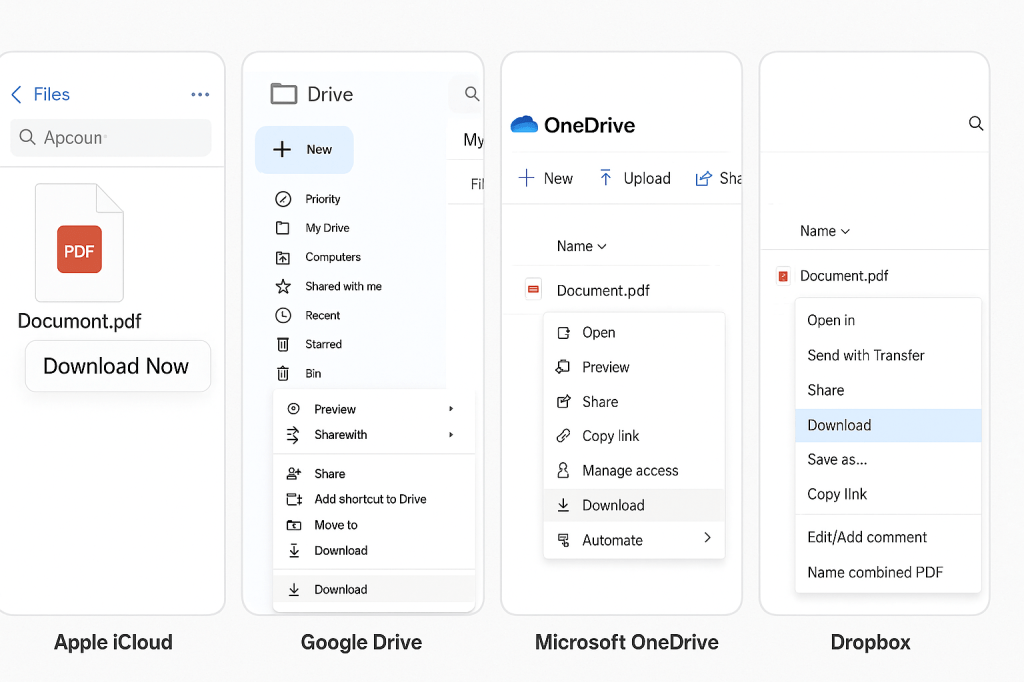
Use provider tools like Google Takeout or Apple’s iCloud download manager to back up files before you lose access.
You may be able to shrink your usage enough to fit under the free tier—especially if you have duplicates, unused files, or old email attachments taking up space.
3. Move to a Different Provider
If another cloud service offers a better free tier (like Google’s 15 GB vs. Apple’s 5 GB), consider migrating. Just check the fine print on deletion policies.
4. Consider Local Storage
External drives and encrypted USBs are still solid options for archiving your digital life without relying on subscriptions.
Some services give notice before deleting, others don’t. Always assume that the countdown starts the moment your subscription ends.





 Fierce Millenial
Leave a reply to Meet the Revenge Quitters: Why Walking Out Loud Is the New Career Power Move – Fierce Millenial Cancel reply